Back to: Continuum GRC Status Indicators
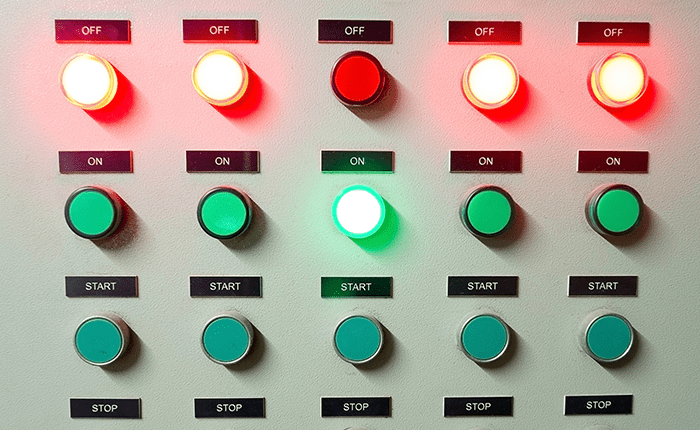
The Status Indicator in the Continuum GRC tool provides a visual representation of control status for everyone. Only Administrators and Examiner accounts in the system have the ability to change Status Indicators.
The basic color-coded description if a Status Indicator is:
-
Gray: The default starting color is gray. It signifies that the control element has not been addressed by anyone.
-
Red: When a client has a control requirement in remediation, missing, or deficient in any way, the control element must be turned Red.
-
Yellow: When a control element is in the auditor’s queue for review, or comment, the control element must be turned Yellow. As you or a client makes changes to any control element, the Status Indicators are automatically turned Yellow. This will signal to everyone that you, as the assessor, have an In Review task to complete.
-
Green: When you determine that a control element is fully compliant, the control element must be turned Green. This signifies to everyone that there is nothing more to do with that requirement.
Review the section titled “Creating Field Notes WHEN Meeting with a Client” for additional guidance.


Related Posts