Portal Feedback Cards
A new addition to the ITAM administrator’s dashboard is the Portal Feedback tab, where administrators can create and track user feedback prompts about their experience with the platform. This feature allows administrators to create poll questions around features and experiences to collect data on how users interact with ITAM.
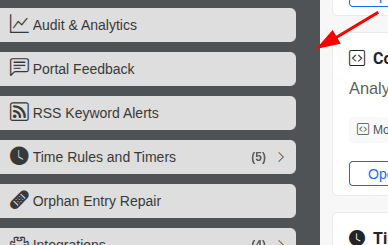
Portal feedback questions are available in the administrator’s menu, under the Portal Feedback tab:
In the Portal Feedback section, you can turn feedback prompts on or off for the given host, as well as toggle whether the user’s information is shared in the response. You can also limit the number of prompts users receive over a set period, grouping questions by hour.
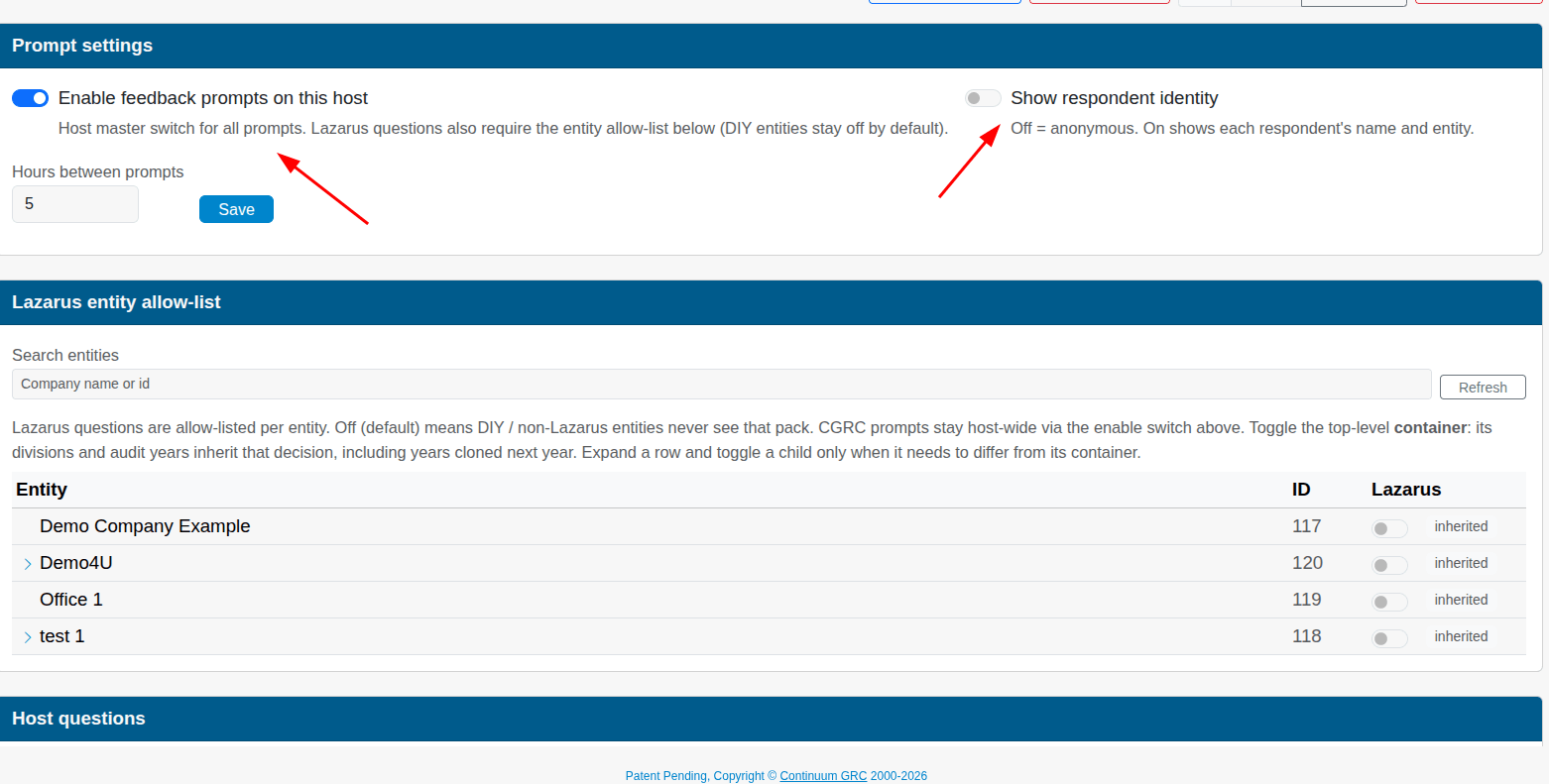
Beneath that screen, you select the entities in your ITAM instance to which you’ll send feedback questions.
Finally, you can add questions to the host’s prompt circulation and monitor answers. To add a question, click the Add Host Question button.
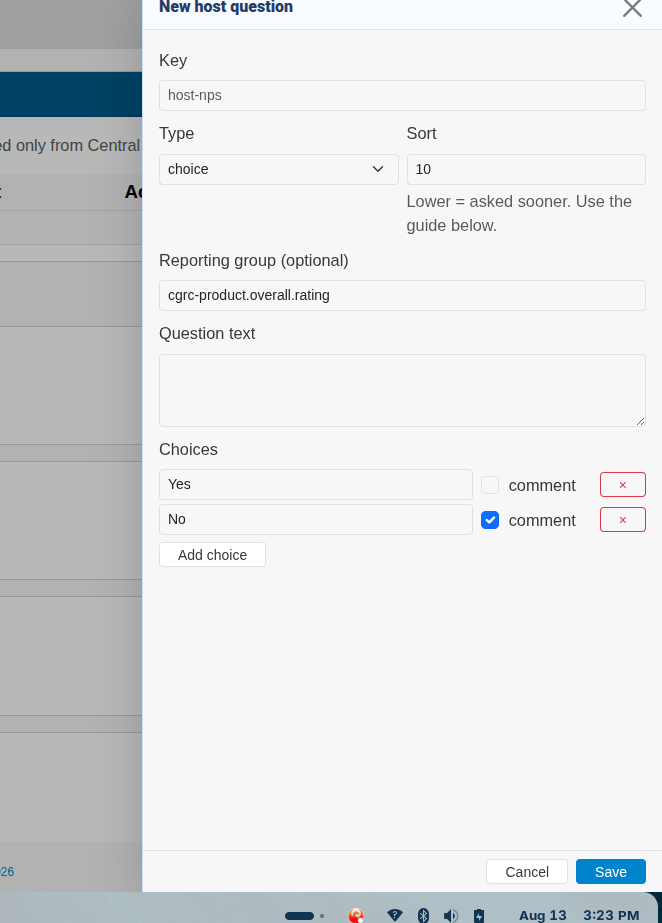
You must assign a Key to that prompt, select the prompt type (text prompt, multiple choice prompt, or a rating), and enter question text. Depending on the prompt itself, you must also adjust the choices or the rating scales (minimum and maximum) to suit the context of the feedback.
| Type | Use |
|---|---|
| Choice | Provide a question with multiple-choice responses. |
| Rating | Allow the user to rate their experience (with a scale that you define). For example, you can ask them to rate their user experience on a scale of 1-5, with 1 being poor and 5 excellent. |
| Text | Ask a question that prompts the user for a long-form text response. |
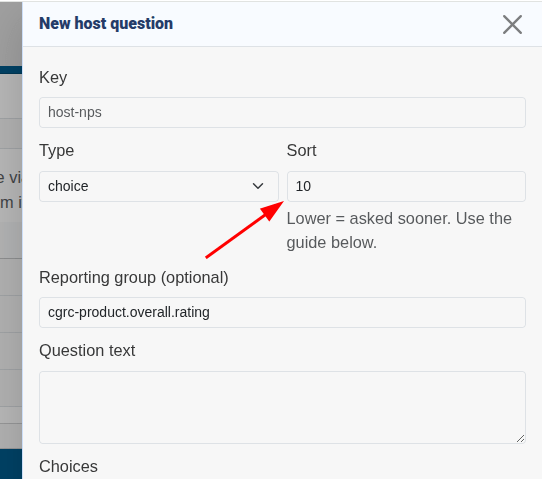
If you want to prioritize certain prompts over others, set a Sort priority to the question. This means it will appear to those users earlier in the rotation–great if you want users to answer questions more rapidly.
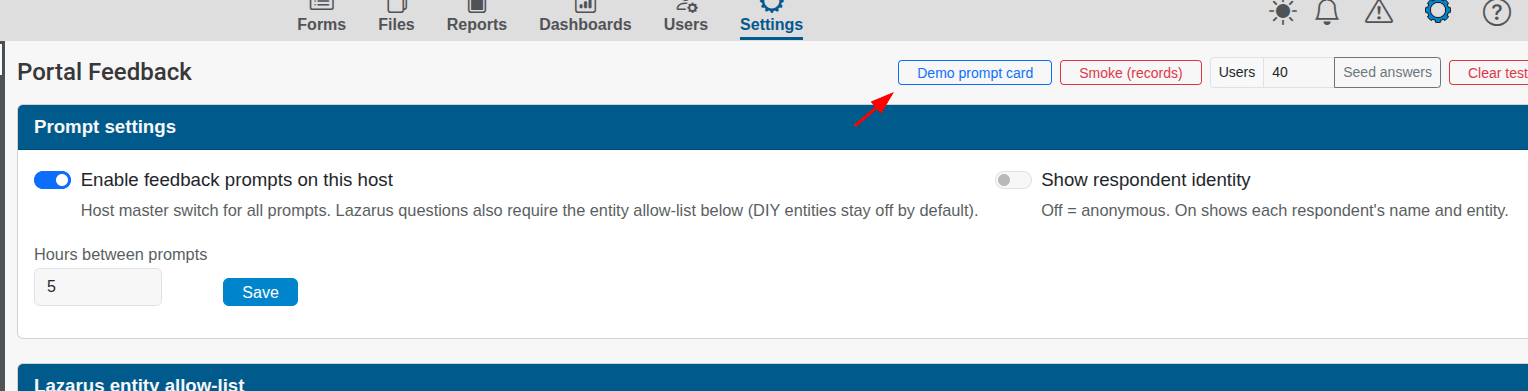
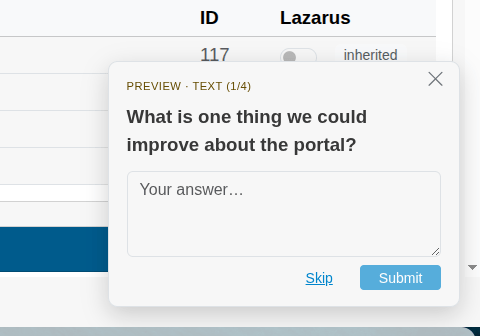
When users are served a card, it will appear as a small slide-in prompt in the lower-right-hand side of their browser, as demonstrated here. You can preview what this card looks like by clicking on the Demo Card button.