File and Document Types
We have covered files and how to navigate them. In the Files Dashboard, however, there are several different types of documents you can view, each either uploaded by users or generated as part of the compliance process. Across the top of the Files Dashboard, you’ll find a set of tabs separating these document types.
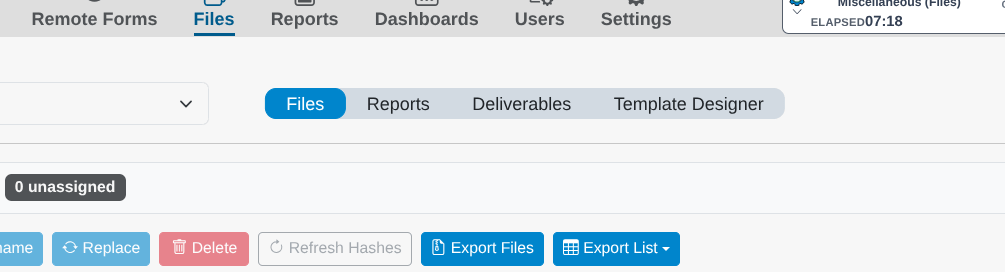
Files
The default tab. These are the evidentiary files that users and examiners upload into form fields — images, affidavits, spreadsheets, and any other supporting material — and they are the files covered in the File Manager section of this guide.
Reports
The Reports tab lists reports generated from your forms. Each report is a fully formatted document populated with data from a specific form and denoted by its Form ID. An AICPA SOC 2 Type 2 report listed here, for example, is drawn directly from that SOC 2 Type 2 form. From this tab you can:
- Edit the report in an online editor.
- Preview the report in your browser.
- Generate a shareable link to distribute it.
A newer addition to our document generation capabilities is the translation service. Click the Translate button to open the translation interface, where you can select a language, preview the translation, and download a copy.
Note: These reports are distinct from the reports found in the Reports dashboard on the main menu. The reports here are tied explicitly to your compliance documentation and feed into required deliverables; the main-menu Reports dashboard generates data visualizations and tables covering risk, compliance, and outstanding tasks.
Deliverables
Deliverables are the specific documents that must be submitted to regulatory bodies as part of your compliance. This tab shows those deliverables populated with data from your form modules and ready for review. As with the Reports tab, you can download and live-edit deliverables, and you can track any activity related to a given file.
Deliverables also carry a status you set to reflect where each one sits in the audit process:
- Internal: Still in preparation and not yet ready for outside review.
- In Review: Under review, internally or by the entity.
- Published: Finalized and ready for, or already submitted to, the regulatory body.