The Evidence Dashboard
A core part of compliance is demonstrating compliance through evidence: forms, documentation, spreadsheets, etc. Every form users and examiners complete will include at least some fields that require uploading this evidence.
It’s therefore essential that examiners can get a bird’s-eye view of how that evidence is provided and quickly address any issues. The Evidence Intelligence dashboard, part of the Priorities section, allows them to do that.
On the main page of this dashboard, examiners will see several color-coded boxes related to the entity you’re currently working in:
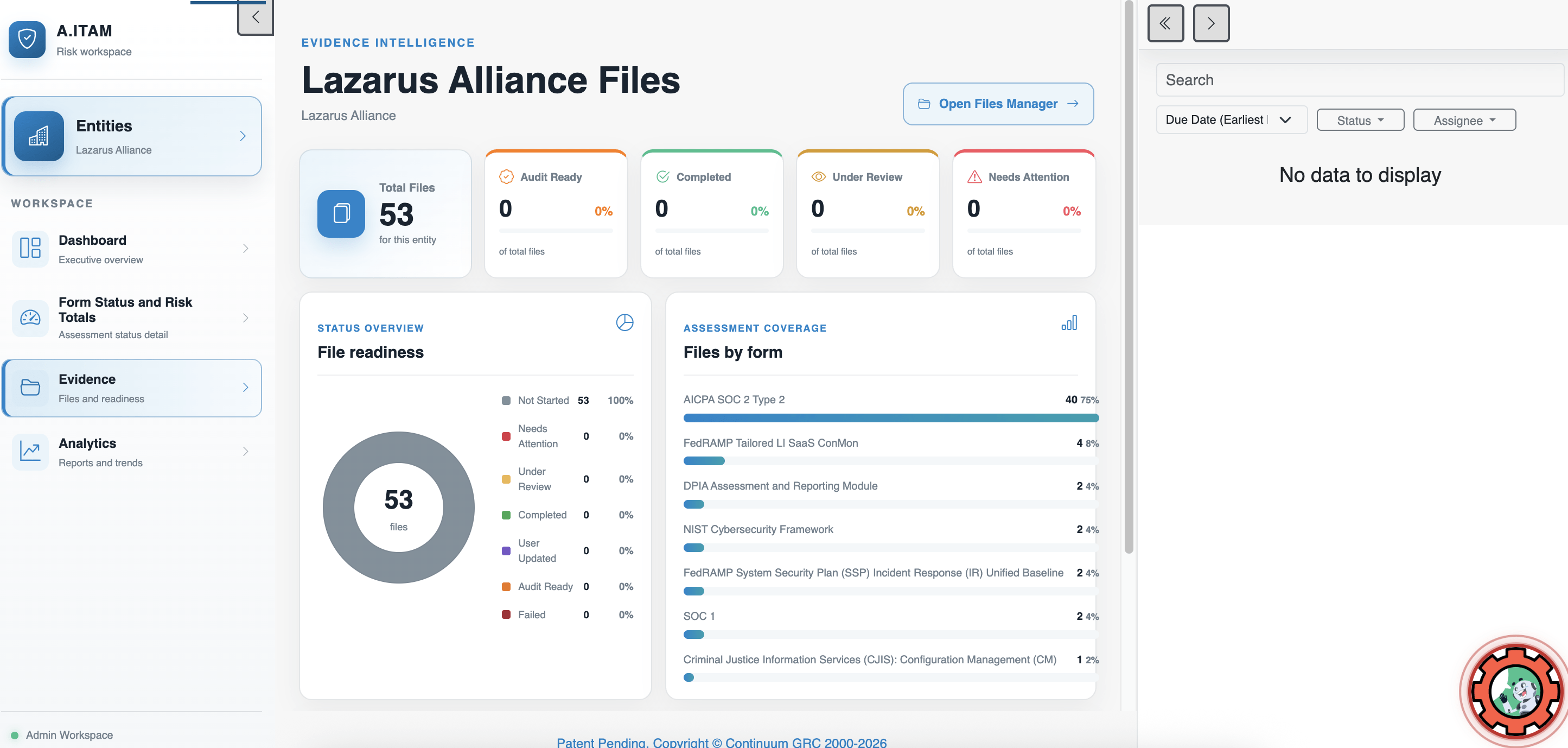
These color-coded boxes represent the status of the form field that contains the evidence (Audit Ready, Completed, Under Review, Needs Attention) as a quick overview of where evidence sits within your workflow.
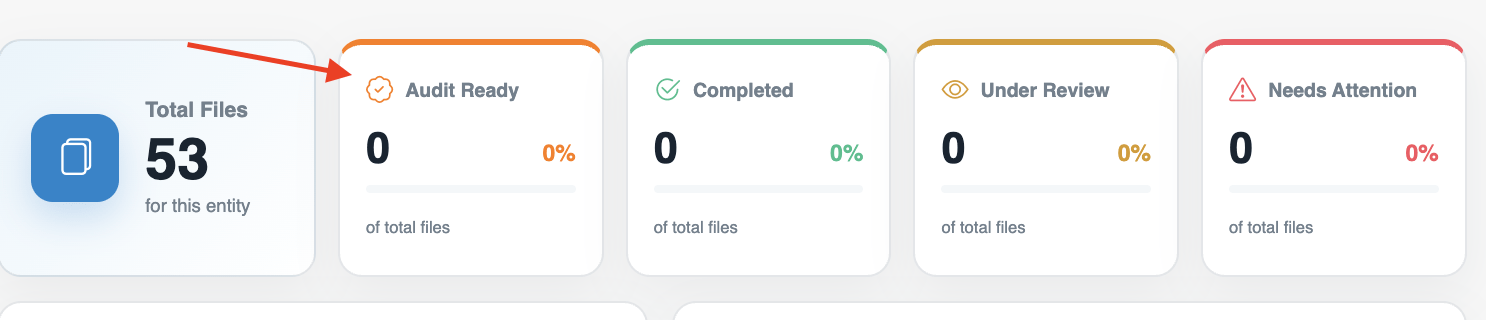
Likewise, the Status Overview circle graph shows the status of evidence as a ratio of all evidence in the entity, and Files by form shows where those files are located (by form).
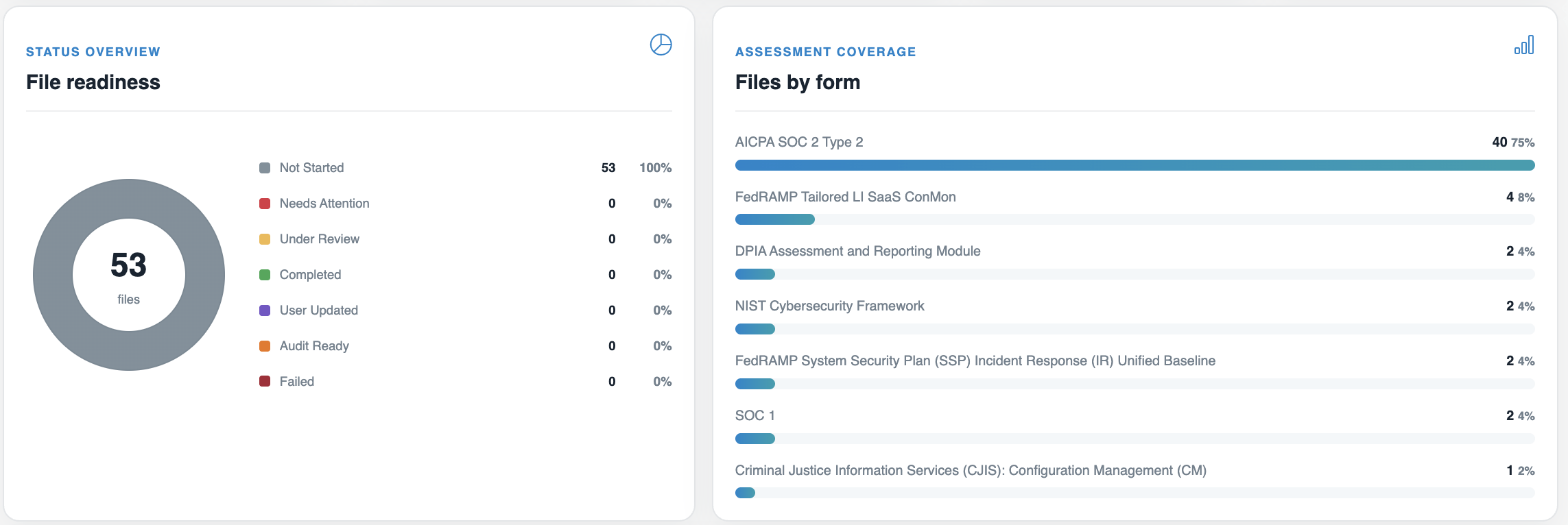
Formats in this entity break down the number of files by file extension.
Additionally, if you click the Open Files Manager button at the top of this dashboard, it will take you directly to the Files dashboard.