Searching and Filtering the Forms List
The search box is located in the center of the dashboard, directly above the form lists. This search function includes four options:
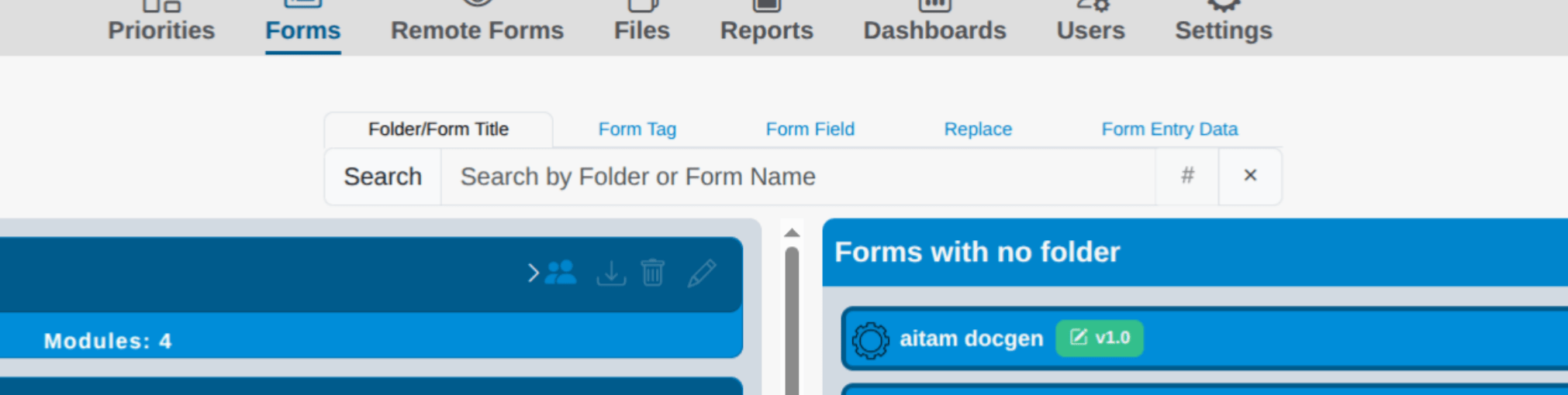
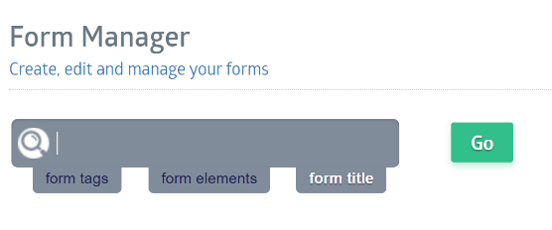
The search box sits in the center of the dashboard, directly above the form lists. It becomes active when you select or click it; type your query and press Enter to run the search.
Above the search bar are five search options:
| Search Format | Results |
|---|---|
| Folder/Form Title | Searches across form and form folder titles. |
| Form Tag | Searches across all form tags assigned to forms. |
| Form Field | Locates specific fields by name across different forms. |
| Replace | Performs a standard find-and-replace for specific text data. You receive a confirmation dialog before the change commits. |
| Form Entry Data | Locates specific data entered into any form field. Refine the search by matching any words, exact matches, or regular expressions. |
Note: Folder/Form Title is the default option. All searches are case-insensitive and allow partial-word matches.
All searches are case-insensitive and allow partial-word matches